Use Walletap AI
Ask Walletap AI about your account in plain words and let it prepare changes. Nothing happens until you approve each one.
Walletap AI answers questions about your account and prepares changes for you: a stamp for a customer, a new pass, a campaign draft, a template design. Each change waits in the conversation with Approve and Cancel, and only your approval carries it out.
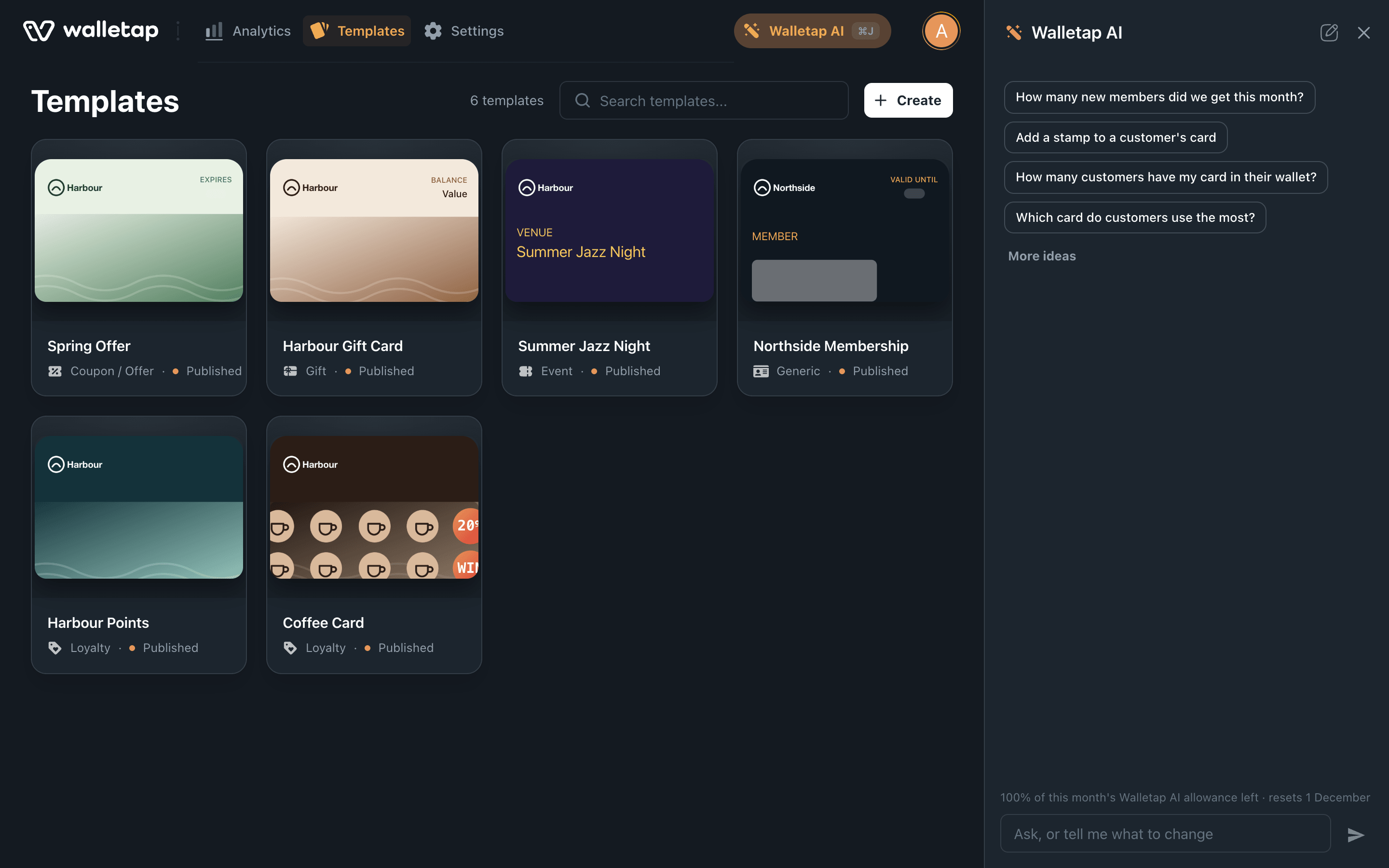
Open Walletap AI#
Click Walletap AI at the top right of the dashboard, or press ⌘ J on a Mac or Ctrl J on Windows. On a wide screen the panel stays open beside the page while you move around the dashboard; on a smaller screen it opens over the page.
Tap the sparkle icon at the top right of the app.
Choose Walletap AI in the sidebar.
The conversation stays while you move around. To start over, use New conversation at the top of the panel. Switching to another account starts a new conversation in that account.
Ask a question#
Type a question the way you would ask a colleague, in any language. Walletap AI looks through your templates, analytics, locations, campaigns and passes, and answers in the language you wrote in.
- How many new members did we get this month?
- Which template has the most active passes?
- When does Maya Chen's Northside Membership end?
To find a customer's pass, give the holder's name, email address or phone number, or the pass's id.
Approve a change#
Ask for what you want done, for example Add a stamp to Maya Chen's Coffee Card.
- Read what it prepared
The change appears in the conversation: the pass or template it applies to, the value before and after (3 of 10 → 4 of 10), and anything else that follows, such as the holder's wallet updating.
- Approve or cancel
Approve carries out exactly what is shown, with your permissions. Cancel drops it, and nothing changes.
- Read the result
The change shows Done, and Walletap AI tells you what happened, with a link to the pass when it issued one. If the change could not be made, it shows Not done and the reason.
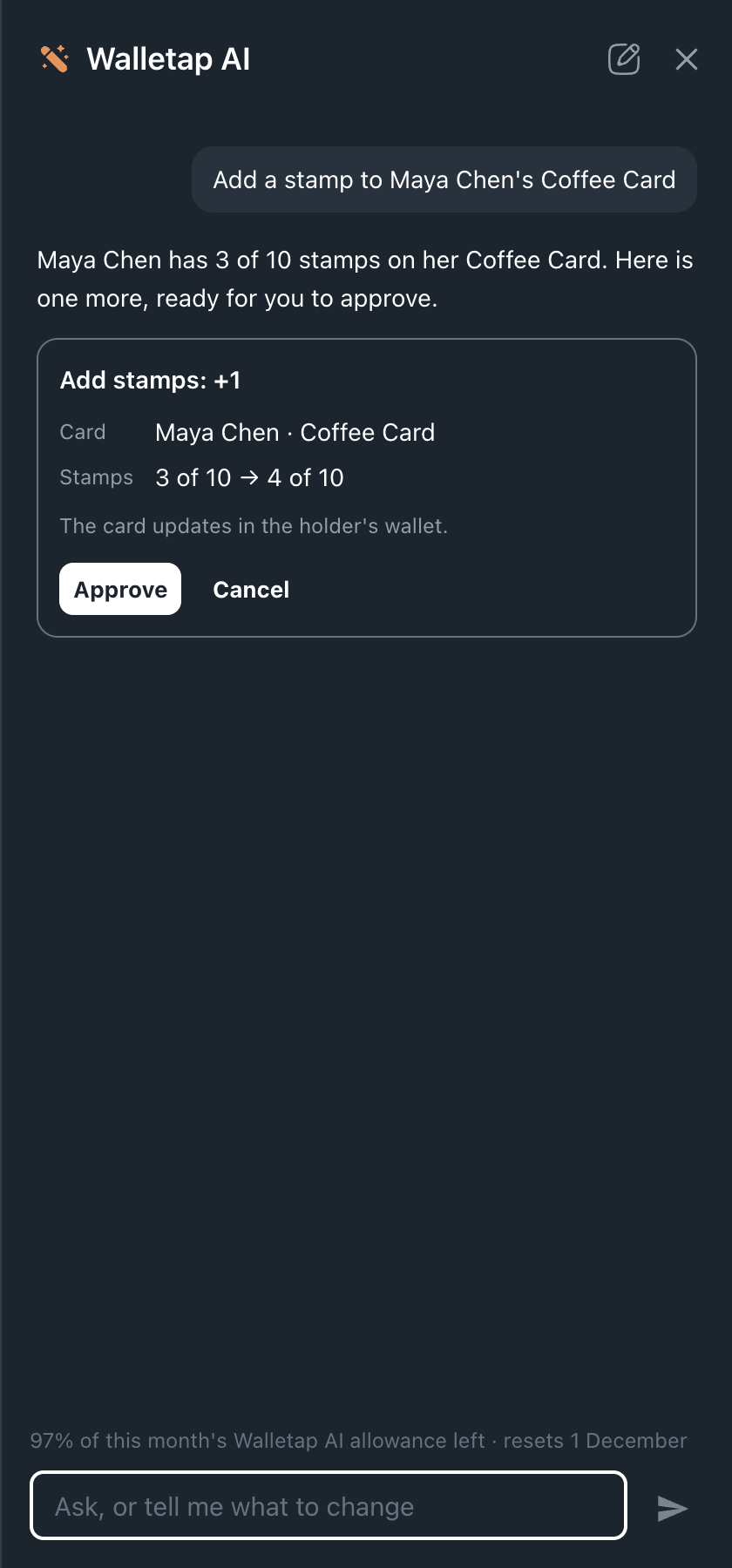
A prepared change waits 30 minutes for your decision. After that it shows Expired — ask again, and you ask for it again.
What it can prepare#
| You ask for… | What happens when you approve |
|---|---|
| A new pass for a customer | It is issued on the template you name. It is emailed or texted only when you ask for that, and the prepared change says so. |
| Stamps or points | Stamps are added, removed or set, or a full card is redeemed. Points are added, taken away or set. |
| A change to a pass | Its details or its last valid day change, or it is voided. |
| A message to one holder | A notification goes to that pass. The account owner can ask for this. |
| A campaign | It is saved as a draft and sends nothing until you activate it under Templatesyour templateMessagesCampaigns. |
| A change to a template | Its name, colours or labels change on every pass issued on it. The prepared change says how many passes that is. |
| A location | A location is added, or an existing one is edited. |
Design a template#
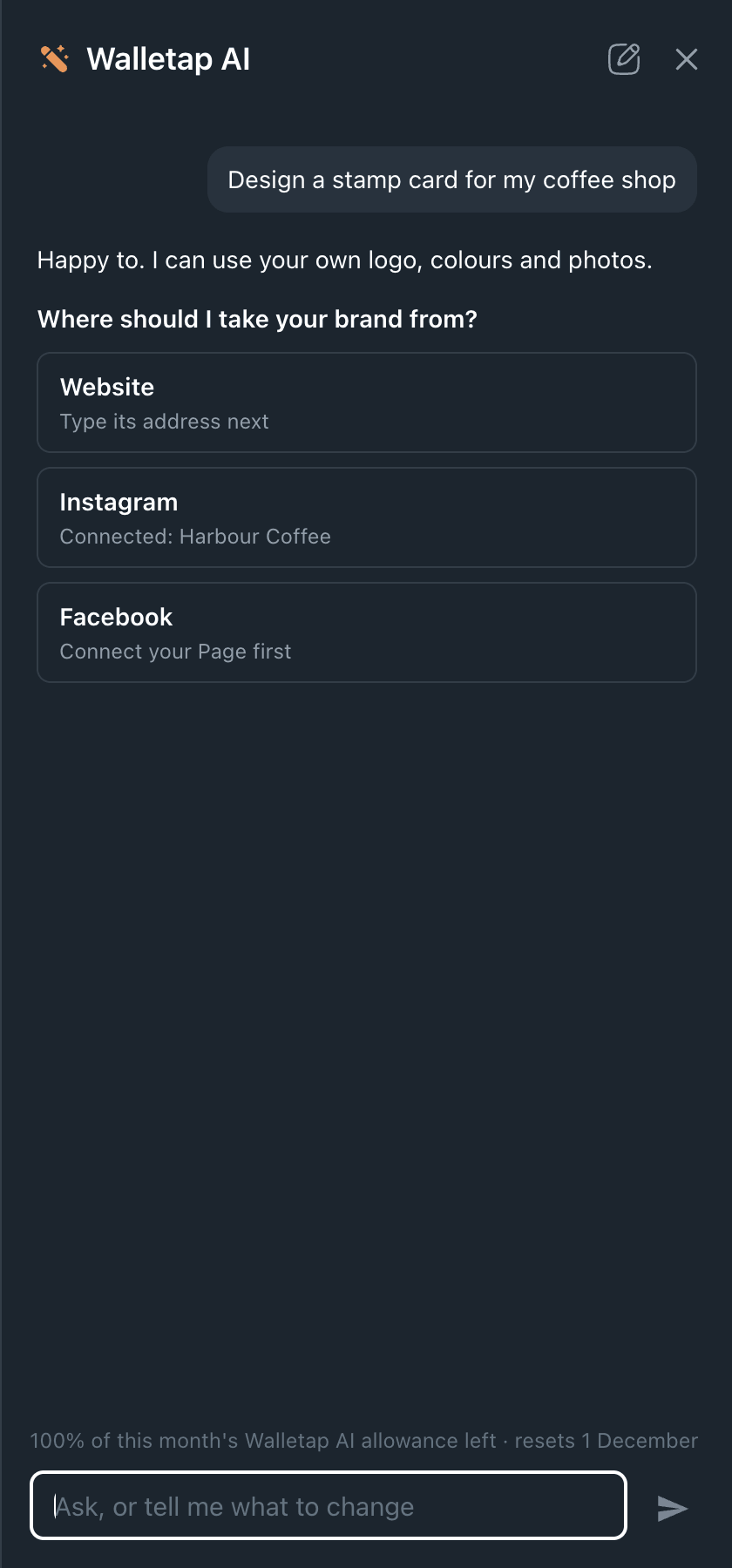
Ask for a pass, for example Design a stamp card for my coffee shop. Walletap AI can design it from your website, Instagram profile or Facebook Page, using your own logo, colours and photos.
- Choose where to design from
- Connect Instagram or Facebook
If the account is not connected yet, a button to connect it appears in the conversation. Once it is connected, tap Design from this.
- Answer the questions
Tap your answers, such as points or stamps. Walletap AI asks before it chooses the settings that cannot be changed later, such as unlock and sharing.
- Create the template
The design appears on a pass preview after a minute or two, with those settings listed under it. Nothing is created until you press Create template.
It can also draw a design from your description, using images already on your templates. Ask for changes (make it darker) and a new design replaces the preview.
Speak instead of typing#
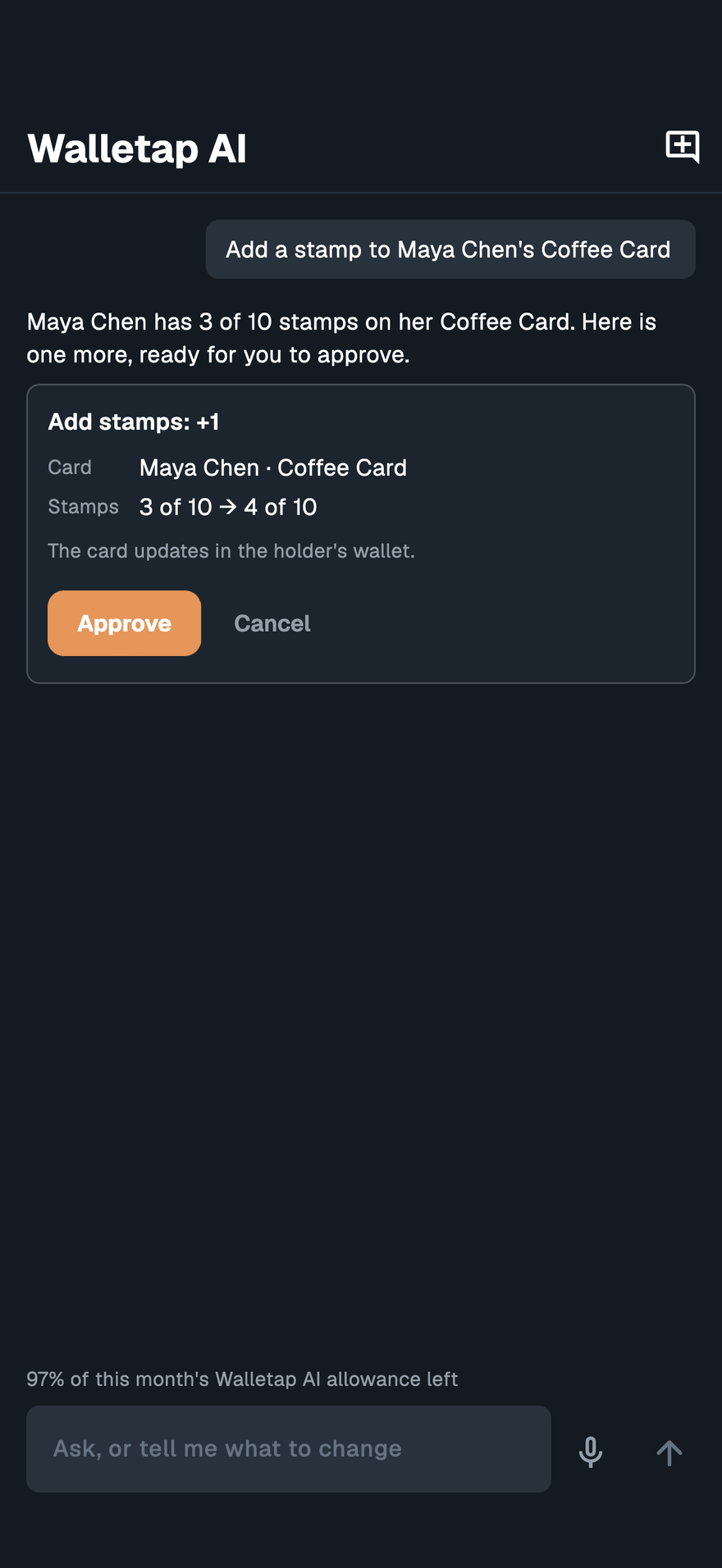
In the phone, tablet and computer apps, when a microphone shows next to the message box, tap it and speak. Your words appear in the box; check them, then send.
Who can do what#
Walletap AI works with your permissions: it sees and changes only what your role allows. If you ask for something your role does not include, it tells you.
Your conversations are private to you and are deleted 90 days after they start.
Your monthly allowance#
Every plan includes an allowance of Walletap AI each month, shared by everyone on the account, and a higher plan includes more. The panel shows how much of it is left and when it resets. One person can use up to half of the month's allowance in a day.
When the allowance runs out, Walletap AI pauses until the first of the next month, and See plans shows what a higher plan includes.