White-label
Hide the "Powered by Walletap" mark on the pages your customers see when they add a pass or sign up.
Two pages carry a small "Powered by Walletap" mark: the page where a customer adds their pass to a wallet, and the sign-up page. With white-label, those pages show only your brand.
EnterpriseBefore you start#
- You are the account owner.
Hide "Powered by Walletap"#
- Open the setting
Go to SettingsCustom domains.
- Switch it on
Turn on Hide "Powered by Walletap". It applies to the pass and sign-up pages of every template, straight away.
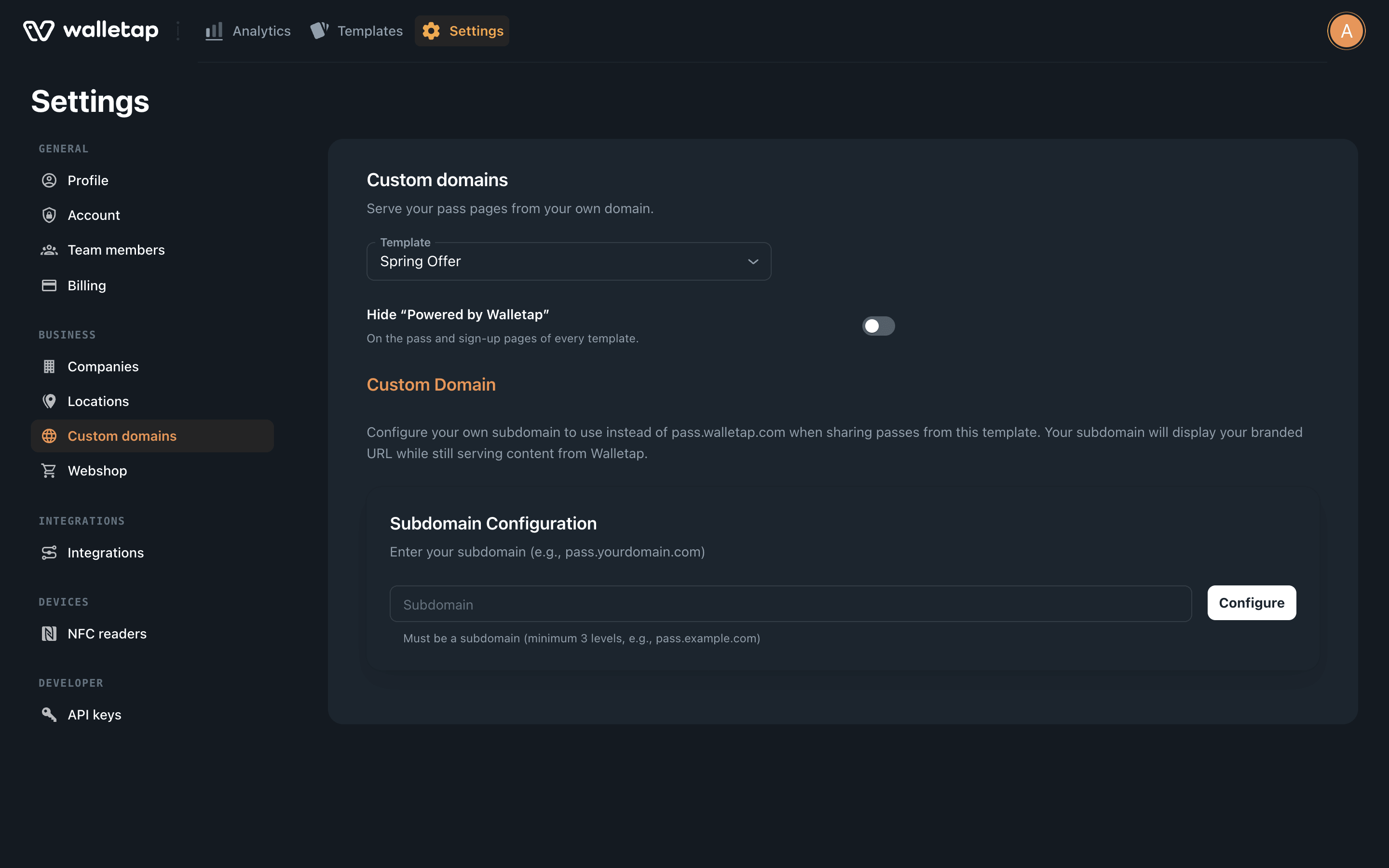
To show the mark again, switch it off.
What it changes#
| Page | With the switch on |
|---|---|
| Add-to-wallet page for a pass | No "Powered by Walletap" mark. |
| Sign-up page for a template | No "Powered by Walletap" mark. |
The rest of each page — your logo, colours and texts — is set on the template. See Sign-up page and Artwork.
For a page that is entirely yours, combine white-label with a custom domain, so the address in the browser is yours too.
If your plan changes#
The mark is hidden only while your plan includes white-label. If the account moves to a plan without it, the mark comes back on its own and the switch shows as off. Your choice is kept, so when the plan includes it again, the pages are white-labelled again without switching it back on.
If something goes wrong#
- The switch is dimmed, with a crown badge. Your current plan does not include white-label. Clicking the switch offers the upgrade.
- The setting could not be saved. Reload the page and try again.