
How to add a loyalty card to Apple Wallet or Google Wallet
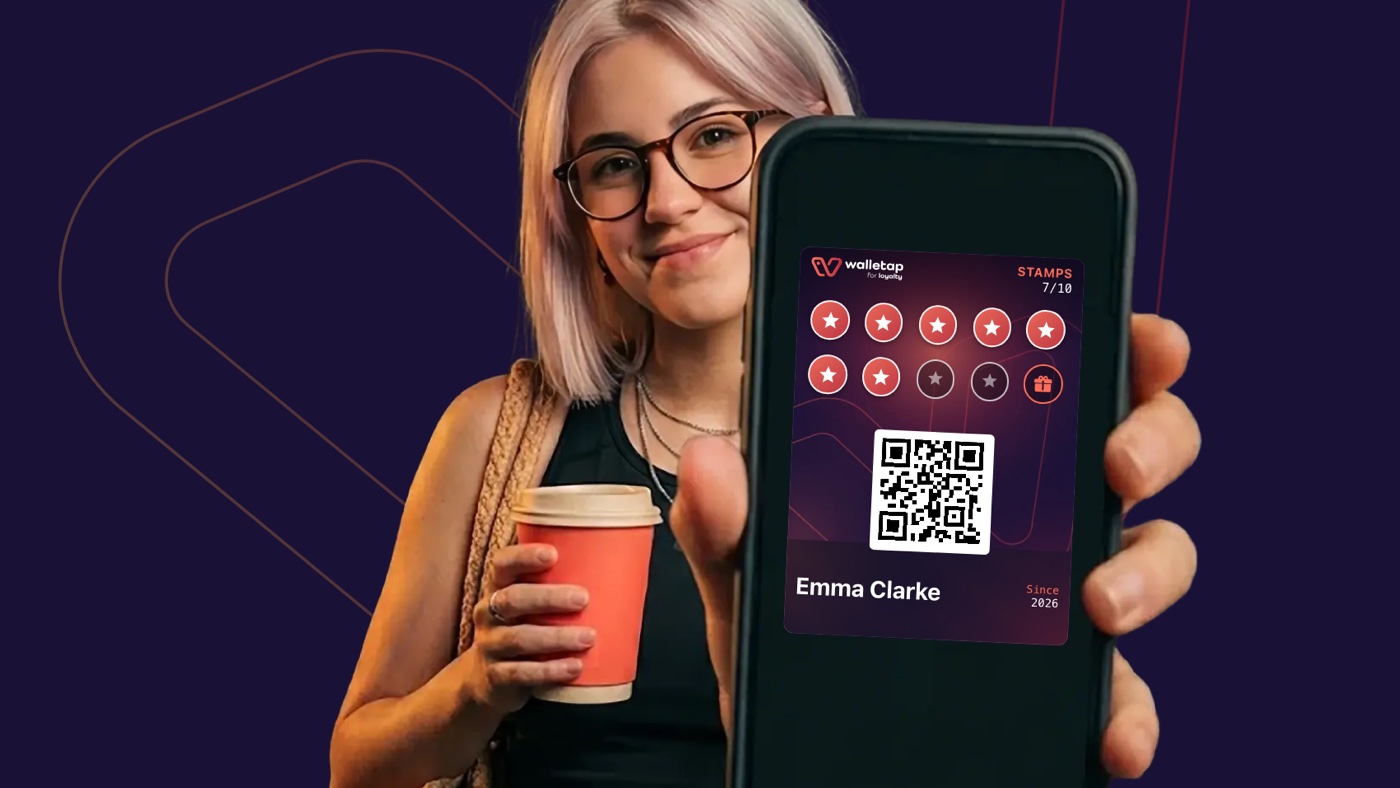
You add a loyalty card or membership card to Apple Wallet or Google Wallet from the link or QR code the business gives you, not by typing in a number as you would for a bank card. You scan the QR code or open the link, fill in a short form if the business asks for one, and tap the Wallet button. You don't need the business's app.
This only works if the business issues its card in Apple Wallet or Google Wallet. Stamps and rewards on a wallet pass update because the business records them in its own system, so you can't turn a paper or plastic card into one yourself. If you're not sure, ask the business.
What you need
- An iPhone with Apple Wallet. The app is already on the phone.
- An Android phone with Google Wallet and the Chrome browser.
- A link or QR code from the business: on the table, at the counter or front desk, on a flyer or in a message you received.
How to add the card on an iPhone
- Scan the QR code with the camera, or open the link the business sent you.
- If the business asks, fill in a short form, for example your name and phone number.
- On the pass page, tap the Apple Wallet button.
- Confirm. The card is in the Wallet app.
On an iPhone this works in any browser: Safari, Chrome or another.
How to add the card on an Android phone
- Scan the QR code, or open the link in the Chrome browser.
- If the business asks, fill in a short form.
- On the pass page, tap the Google Wallet button.
- Confirm. The card is in the Google Wallet app.
These cards can only be added to Google Wallet from Chrome. If you opened the link in another browser, the pass page offers to open it in Chrome.
How to use the card
- At the checkout or front desk, open Apple Wallet or Google Wallet and the business's card. A member of staff scans the QR code on it.
- Stamps and rewards update on their own, usually within a few seconds. On an iPhone you also see the change as a notification on the lock screen.
- Messages: the business can let you know through the card that a reward is ready or that it has a new offer, with no text message or email. On an iPhone you can turn off notifications for a single card in its details in Wallet.
If something doesn't work
| What happened | What to do |
|---|---|
| The link opened inside Instagram, Facebook or WhatsApp | The page tells you to open it in a browser. Tap the menu (⋯ or ⋮) and choose to open it in Safari or Chrome. |
| There's no Google Wallet button on Android | Open the link in Chrome. The pass page has an Open in Chrome button for this. |
| You opened the link on a computer | The page shows a QR code. Scan it with your phone and carry on there. |
| A new phone, or you deleted the card | Open your link again and tap the Wallet button or Add to wallet again. If there is no button and the page says the pass has already been issued, or that you should contact the issuer to add it on another phone, ask the business to let you add it again. |
| You no longer have the link | Ask the business to send it again. |
| You have neither Apple Wallet nor Google Wallet | If the business offers it, the pass page has a button to print the pass with the same QR code. |
What a wallet pass is and how it works is explained in What is a wallet pass?.
For business owners
If you issue loyalty cards to your guests, you can send this page with the link to the card or put it next to the QR code on the table. How to launch a loyalty card for your business is on Walletap Loyalty.
Frequently asked questions
How do I add a loyalty card to Apple Wallet?
Scan the business’s QR code or open the link it sent you, fill in a short form if it asks for one, and tap the Apple Wallet button on the pass page. On an iPhone this works in any browser.
How do I add a loyalty card to Google Wallet?
Scan the business’s QR code or open its link in the Chrome browser, fill in a short form if it asks for one, and tap the Google Wallet button. These cards can only be added to Google Wallet from Chrome; in another browser, the pass page offers to open itself in Chrome.
Can I add a plastic or paper loyalty card to my wallet myself?
You can’t turn a plastic or paper loyalty card into a wallet pass that collects stamps. The business issues that kind of pass, through a link or QR code, because it records stamps and rewards in its own system. Ask the business whether it issues a wallet pass.
Do I need the business’s app for a loyalty card in my wallet?
No. The card is saved to Apple Wallet or Google Wallet, which are already on your phone. You don’t download the business’s app or create an account.
What if I change phones?
On the new phone, open the link to your card again and add it to Apple Wallet or Google Wallet. If there is no Wallet button and the page says the pass has already been issued, or that you should contact the issuer, ask the business to let you add it again. Your stamps and rewards stay, because it is the same card.