
Access control with a key that is already on your phone.
Walletap Access brings mobile access control to companies and institutions, with a digital key in Apple Wallet and Google Wallet. Employees, members and students get in by tapping their phone, with no app and no plastic cards. Locks, cables and the controller stay; only the reader changes.
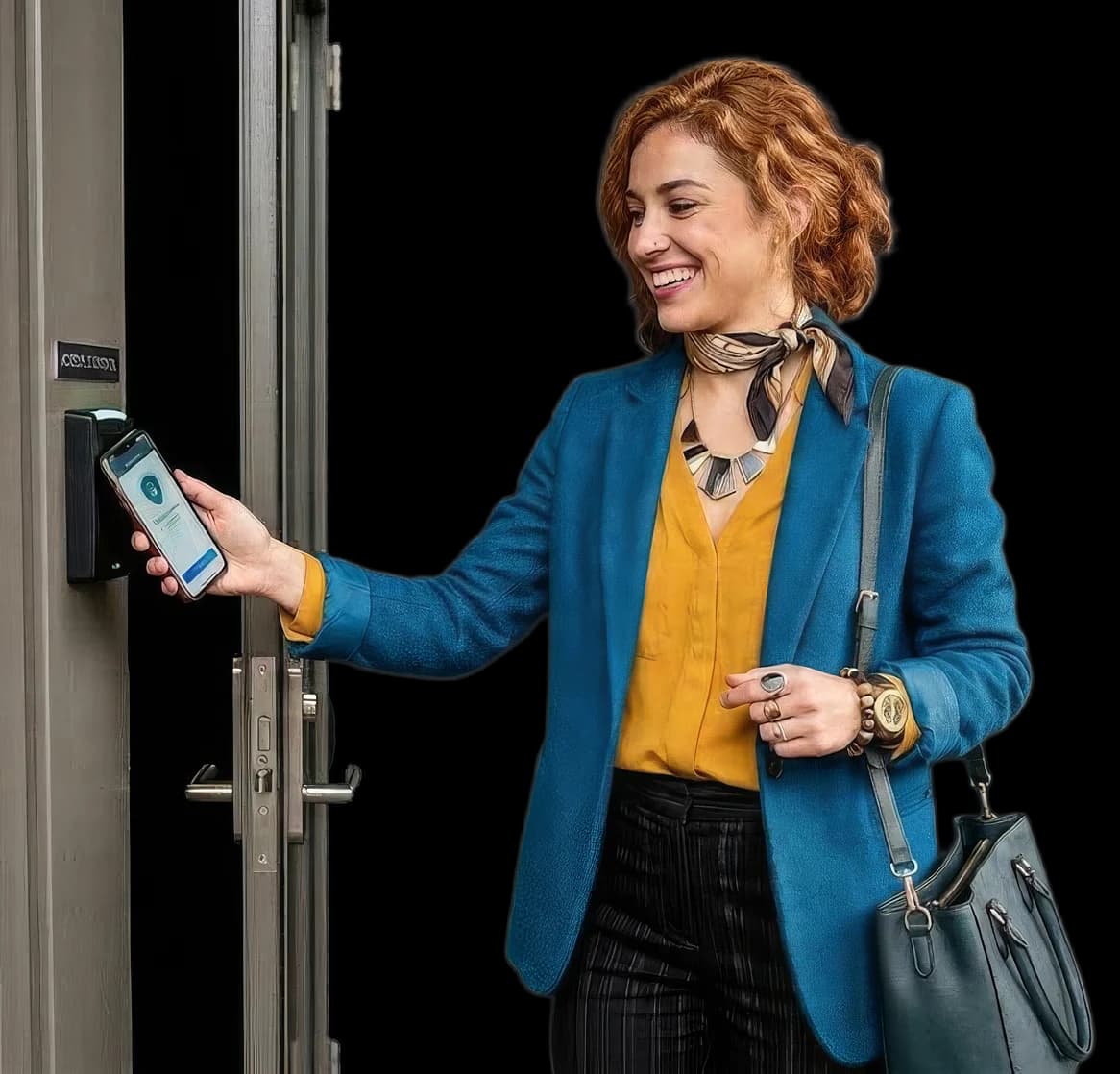



A digital key in Apple Wallet and Google Wallet.
We issue the key in partnership with HID, and it works with the access control system you already have. Each user receives it by link and saves it to Apple Wallet or Google Wallet in a single tap, without downloading an app. At the entrance they simply hold their phone to the NFC reader, and your existing controller still decides who may pass. There are no plastic cards to produce, hand out and collect back.
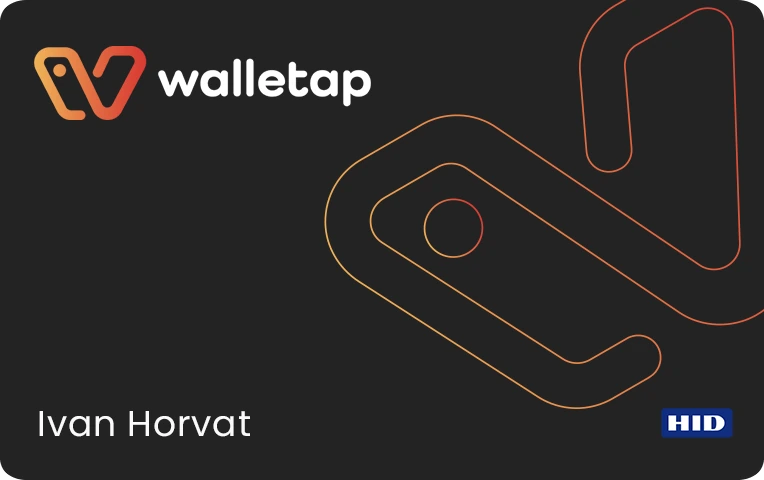
Cards get lost. Badges get lent out. Access stays even when it should not.
A lost card means a new cost and another trip to reception. An employee who leaves stays on the list of people who can get in until someone remembers to deactivate their card.
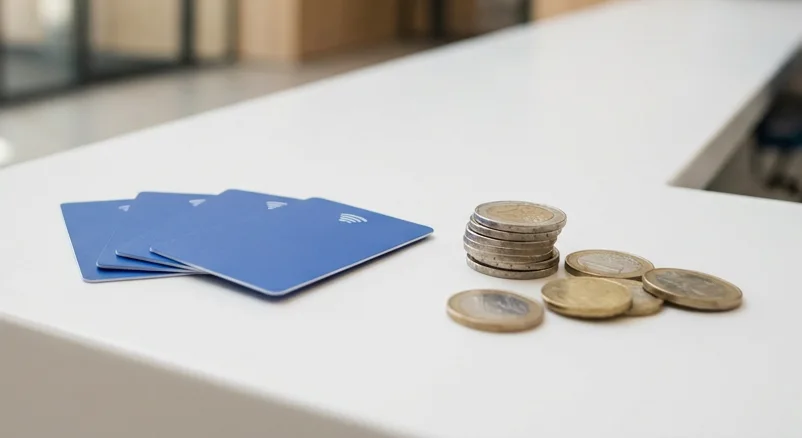
Reissuing cards costs time and money
With Walletap Access
A new key arrives by link or QR code - no plastic and no trip to reception.
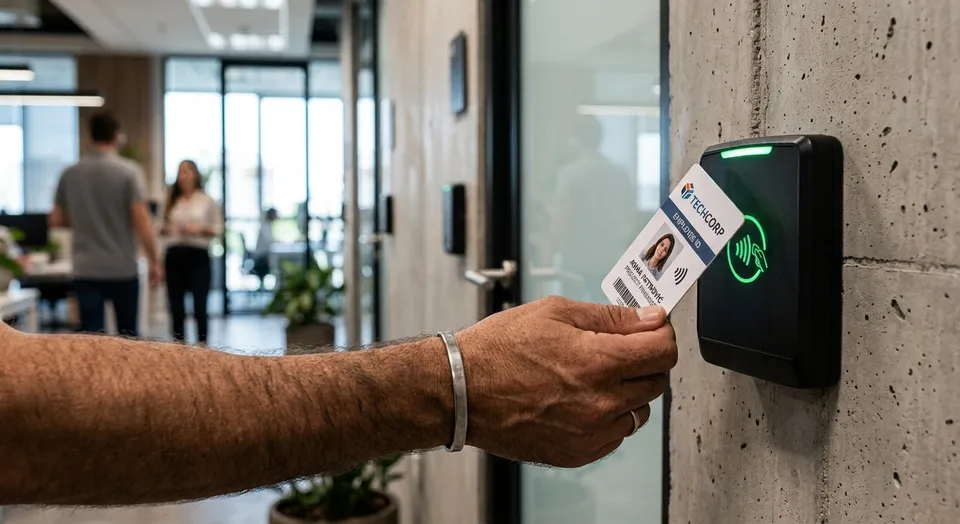
Anyone can tap a card or badge
With Walletap Access
The key is tied to the user's phone, cannot be copied and can be revoked in a second.

Access ends only when someone removes it by hand
With Walletap Access
Access is revoked in a second and takes effect at once, with no card to hand back.

No reliable record of who passed and when
With Walletap Access
Your system logs each entry against one person's key, and the key cannot be copied.
How it works
The digital key lives in Apple Wallet or Google Wallet, so users need no app. Certified NFC readers connect to your existing controller, and the locks and cables stay. The key is cryptographically protected in the phone, just like mobile payments, and cannot be copied. You issue and revoke it from one place: by link, by QR code or automatically from your own system, and revoking takes effect immediately.
 in partnership with HID
Three steps. One of them is simply a tap of the phone.
The user gets a link - by email, by message or automatically from your system.
The key goes into Apple Wallet or Google Wallet, with no app to download.
They tap their phone on the reader - access is granted.
The key is protected just like mobile payments.
The digital key is protected inside the phone, and on iPhone it is kept by the same security chip that protects Apple Pay. A certified reader checks it cryptographically. That makes it a good fit even where security matters most: in office buildings, institutions, campuses and server rooms.
No unlocking
On iPhone and Apple Watch the key works in Express Mode: just hold the device to the reader.
Even when the battery runs out
On newer iPhones the key keeps working for up to five hours after the phone switches off with a flat battery.
Cannot be copied
The key is not an image or a code: it cannot be photographed, copied or passed on to anyone else.
Who is mobile access control for?
The same technology, four different ways of using it.

Office buildings
Employees, tenants and visitors. Access is granted and revoked from one interface.

Coworking
Members, office tenants and guests. Everyone gets in only where they are allowed, and a guest's key is revoked as soon as the visit ends.

Institutions
Controlled zones, a record of every entry and access tied to the role, not to the person on reception.

Student campuses
One key for the halls of residence, the library, the lab and the canteen. It is valid for as long as the student is enrolled.
Run a gym or a sports club? Walletap Membership takes care of membership fees, billing and the membership card in Wallet.
See Walletap MembershipYou do not replace your door system. You change what you tap on it.
Walletap works with certified NFC readers that connect to your existing controller. Locks, cables and control stay.
Access is granted and revoked in a second.
The key is issued by link, by QR code or automatically from your system — your HR system, user directory, REST API, Zapier or ready-made integrations — when someone is hired, enrols or joins. Nobody is enrolled at the reader: the reader only checks a key that has already been issued. You can suspend a key and reactivate it, and when someone leaves you revoke their access at once, with no card to hand back.
The questions your IT department will ask
The key in Wallet holds no personal data that a reader can read. The check runs on an identifier, and the log stays with you.
Data is processed in line with the GDPR, and you are the data controller
Revoking access takes effect immediately, with no physical card to hand back
The entry log stays in your access control system
From the first conversation to the first door
Review of your current setup
which readers and controllers you have, and what you can keep.
Rollout plan
which doors, which users and which systems get connected.
Pilot on a single door
a small installation, real users, a measurable result.
Rollout to every location
the remaining doors and locations, and the link to your HR system or members' system.
What the price includes
We do not sell Access in ready-made packages, because no two sites are the same: they differ in the number of doors and users, in the readers already installed and in the access control system we connect to. So we put the price together for your site from three items: a monthly licence, plus one-off costs for hardware and integration.
Licence
per user or per door, monthly.
Hardware
readers, one-off. Compatible readers you already have are kept.
Integration
one-off, depending on your existing system and the connections you want.
Frequently asked questions
Mobile access control means that employees, members and students tap their phone on the reader by the door instead of a plastic card. Walletap Access brings this to companies and institutions: in partnership with HID, it issues a digital key in Apple Wallet and Google Wallet, and your existing controller still decides who may pass.
No. The user gets a link by email, by message or automatically from your system, taps "Add to Wallet" and the key is saved to Apple Wallet or Google Wallet, apps that are already on the phone.
As a rule, no. The reader changes, while the existing controller and locks stay. We check this in the first step.
Yes. The key is added to Apple Wallet on iPhone and Apple Watch, or to Google Wallet on Android. The way you tap may differ slightly from one platform to the other.
From the interface, in a second: the key is removed from the user's phone and watch as soon as the device is online. For a temporary absence you can also just suspend the key.
Yes, in your access control system: each entry is recorded against one person's key, and the key cannot be copied.
Yes. A guest gets a key by link, and when the visit ends you revoke it with one click.
As a rule, yes: your controller decides on site whether to open, and the internet is needed for issuing and revoking keys. We agree the exact offline rules at the design stage.
A pilot on a single door usually takes one to two weeks. Rollout to every location depends on the number of doors and integrations.
No. Walletap Loyalty is a loyalty card and Walletap Membership a digital membership card, both in Wallet. Access is a digital key for access control, cryptographically protected in the phone.
Let's start with one door.
Tell us about the system you have and what you would like to solve. You will get a compatibility assessment and a pilot proposal.
Or call us: +385 99 3518 286