From a QR code to a card in the wallet
No app, no paper punch cards, no new equipment. Your customer scans the code and the card is in their Apple or Google Wallet. You scan the card and the stamp is added.
For your customer
Three steps, ten seconds
They scan the QR code
with their phone camera, from the table, the bill or a sticker on the door.
The card goes into the wallet
Apple or Google. No app to download, no password, no details to hand over.
Next time they just show the card
you scan it and the stamp is added straight away.
The card stays in the wallet afterwards. When your customer picks up their phone near your venue or salon, the card appears on their lock screen.
For you: setting up
Four steps, fifteen minutes
Get the app
free, no contract. You open your account in it.
Choose your program
stamps toward a reward, points by spend, or rewards along the way. Set how many it takes to earn a reward, and what the reward is.
Design your card
your logo, your colors, your wording.
Download the QR code
print it and put it on the tables, at the counter, or on the bill.
You can change the program and the design whenever you like. The change shows on every card already issued, and your customer has nothing to do.
What a working day looks like
In practice it is one scan at the till
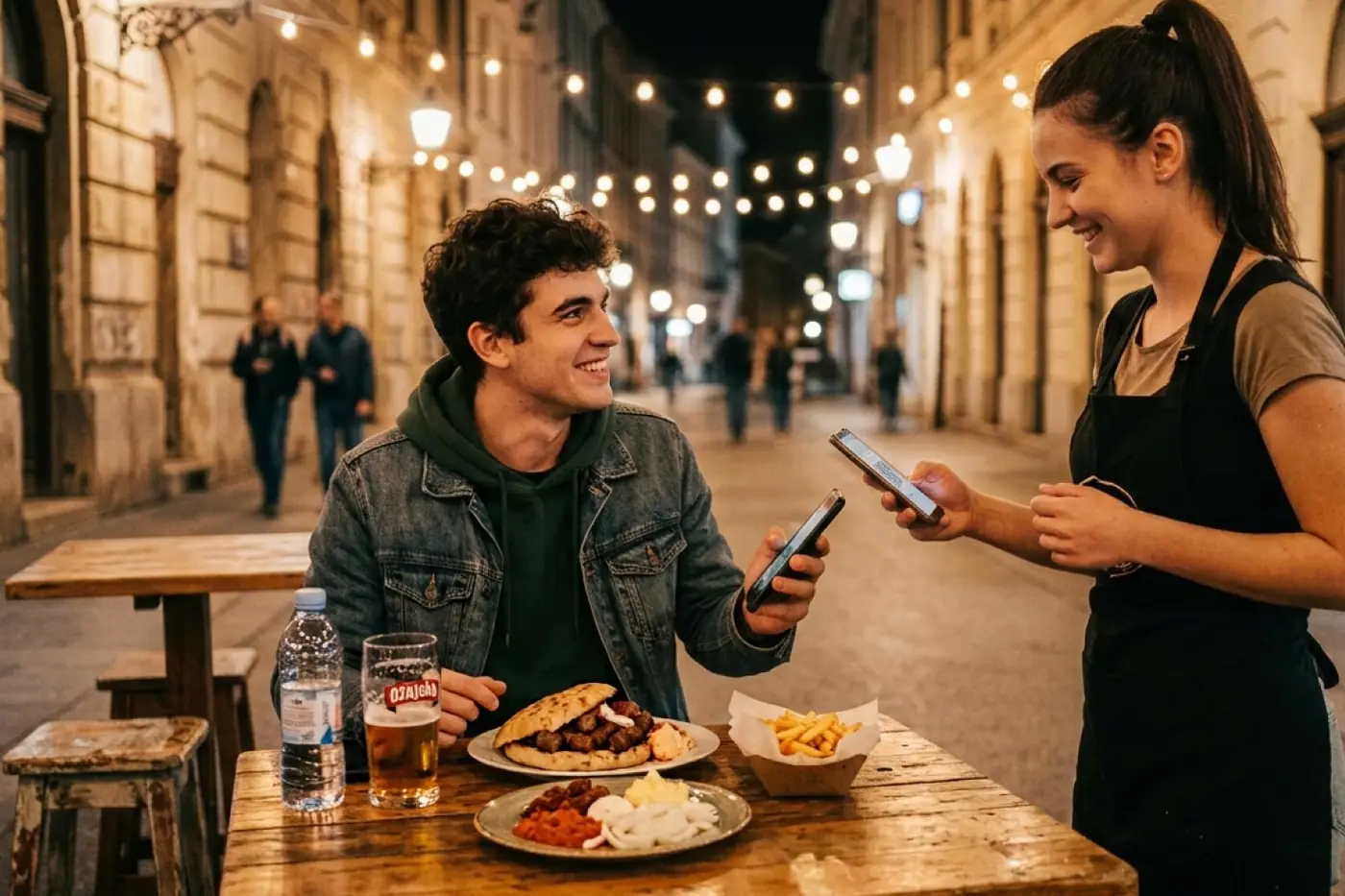
A member shows the card on their phone. You scan it with a phone, a tablet or a computer with a camera. The stamp lands in the same second and they see it right away.
No looking a member up in a system, no typing in names, no asking for a phone number. It takes less time than printing the bill.
When a member has collected enough stamps, the reward unlocks on its own and they get a notification. On their next visit they show the card, you confirm the reward, and the program starts over.
How customers find out about the card
The card is not sold, it is put somewhere visible
QR code in the venue
on the tables, at the counter, on the mirror or on the door.
QR code on the bill
they scan it while they wait to pay.
A link
on Instagram, in your profile bio, on your website or in a text message.
One sentence from your staff
at the till, once, with no sales pitch.
The same card is issued through every channel. There are no separate programs for online and for the venue.
What you need
Nothing you do not already have
A phone, tablet or computer with a camera, for scanning
A printed QR code
An internet connection
No new till, no reader, nothing to install on the equipment you have. If you run several locations, each one gets its own access and the card is valid at all of them.
Messages
Once the card is issued, you have a channel
A message about points, stamps and rewards lands on your guest's lock screen. You can reach everyone who holds a card, only those with a reward waiting, or only those who have not been in for a month.
When a message has to reach a customer who rarely looks at notifications, there is SMS, WhatsApp and Viber.



Data
Every stamp is also a data point
How many cards have been issued and how many are active
How often your members come in
Which rewards get used
Who has stopped coming
All of it in real time, on a phone or a computer. You can export the list to a spreadsheet whenever you like - the data on your members is yours.
The questions people actually ask
What if?
A member changes phone
The card comes back with their Apple or Google account. The stamps stay.
A member deletes the card
They scan the QR code again and carry on where they left off.
A member has no smartphone
They get a physical NFC card that works in the same program.
The venue has no internet
Scanning needs a connection. If the network drops, the stamp is added once it is back.
A customer does not want to leave any details
They do not have to. The card is issued without an email and without a phone number.
You decide to stop your loyalty program
No contract to honour and no notice period.
Security
The data stays with you
The card is issued without personal details if that is how you want it. A member can delete the card at any time, which also stops the messages.
Walletap is a Croatian company, data is processed in line with GDPR, and you are its owner.
Try it on your own phone
Scan the code and the demo card is in your wallet in five seconds.
Download the Walletap app and get started straight from your phone.